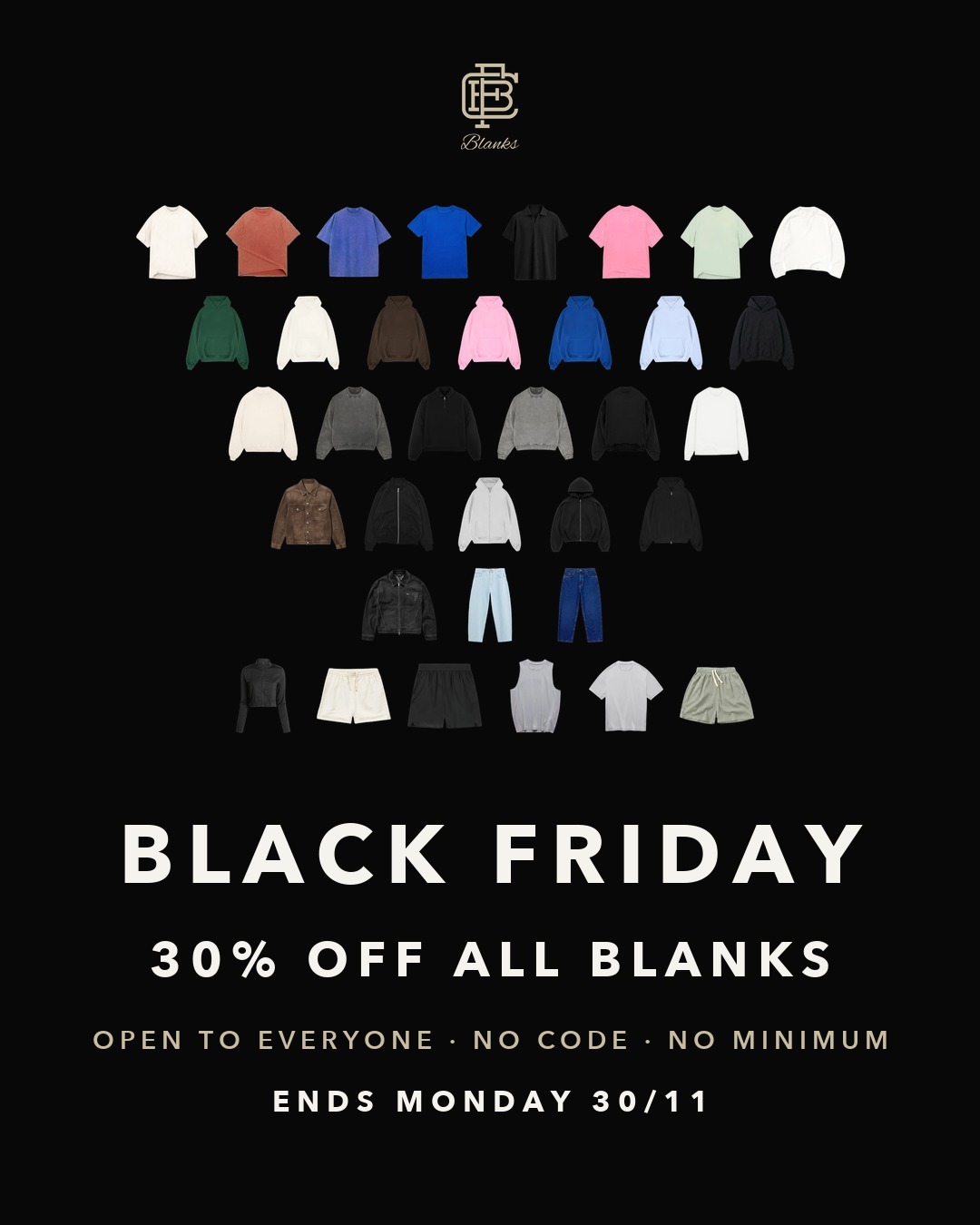
• BLACK FRIDAY · 30% OFF ALL BLANKS · OPEN TO EVERYONE · NO CODE · NO MINIMUM · ENDS MONDAY 30/11
Loading configurator...

Acid Wash Oversized 2.0


1 - Select the options below to build your desired T-shirt. Please follow the steps sequentially.
2 - 
Once you have finished selecting the options please click on the "Request a Quote" button on the bottom of the image and fill the form.
3 - Do not forget to tick the box "I read and agree with your Terms & Conditions" and click on the "Get a Quote for this design" button.
IMPORTANT! Wait a few seconds for your design to be submitted after you click the "GET A QUOTE FOR THIS DESIGN" button.
You will get a Pop-Up screen with the message "Your quote request has been sent".

Click here to see more information about the fabrics we use. Do you have any doubts? Click here to see the Builder Demo
You can only upload PNG (recommended) or JPEG files (images). Max. file size: 2MB


Fabric image
Fabric none
Visual Products Configurator option selected icon image
Print Method image
Print Method none
Visual Products Configurator option selected icon image
Print Front image
Print Front none
Visual Products Configurator option selected icon image
Print Front (Máx File Size: 2MB. This is for quote purposes only. )
Máx File Size: 2MB. This is for quote purposes only.
Print Back image
Print Back none
Visual Products Configurator option selected icon image
Print Back (Máx File Size: 2MB. This is for quote purposes only. )
Máx File Size: 2MB. This is for quote purposes only.
Label Type image
Label Type none
Visual Products Configurator option selected icon image
Label Design image
Label Design none
Visual Products Configurator option selected icon image
Label Image (Máx File Size: 2MB. This is for quote purposes only. )
Máx File Size: 2MB. This is for quote purposes only.